How we judge robot vacuums
We rate robot vacuums by how well the evidence matches a real buying need, not by how long the feature list looks. In this category, the right pick often depends on the route: LiDAR mapping, self-emptying, vacuum-and-mop, or pet hair. We only treat a product as a strong fit for one of those routes when the listing makes that route explicit or clearly supported. If the evidence is thin, we would rather leave a claim out than turn a headline feature into a promise.
That matters because the same spec can mean very different things in daily use. Strong suction may help on debris pickup, but it does not automatically prove better navigation, lower maintenance, or better mopping. A self-empty dock can reduce hands-on upkeep, but it also adds consumables, space needs, and more setup questions. We translate those specs into buyer consequences so readers can see what is likely to help and what may add friction.
What usually changes the verdict
Navigation, cleaning, and mopping
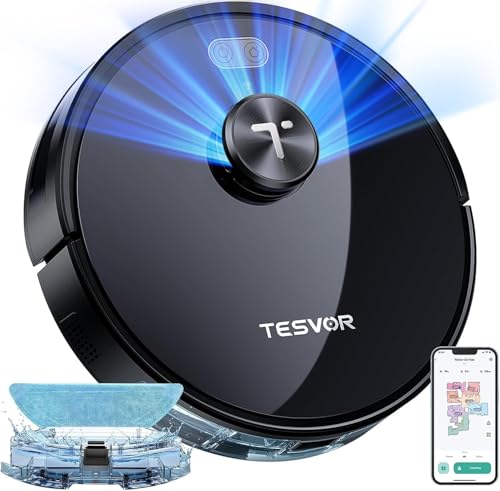
Navigation and mapping often decide whether a robot vacuum is convenient enough to use regularly. When LiDAR mapping is explicitly supported, that can be a meaningful route for buyers who want room mapping, more predictable coverage, or app-based routines. If navigation details are vague, we treat that as an evidence limit rather than assuming premium performance.
Cleaning performance starts with the stated suction level, but we read it in context with the intended route. For example, pet-hair shoppers usually need more than a raw suction number; they need evidence that the product is actually positioned for that job. Mopping quality matters most when a model is clearly sold as a vacuum-and-mop option. In that route, the mopping system is not a side note; it affects whether the product is suitable for mixed floors or only light wipe-down duty.
Dock upkeep and app routine
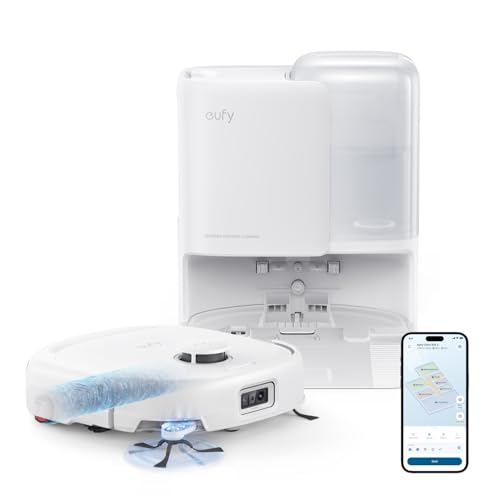
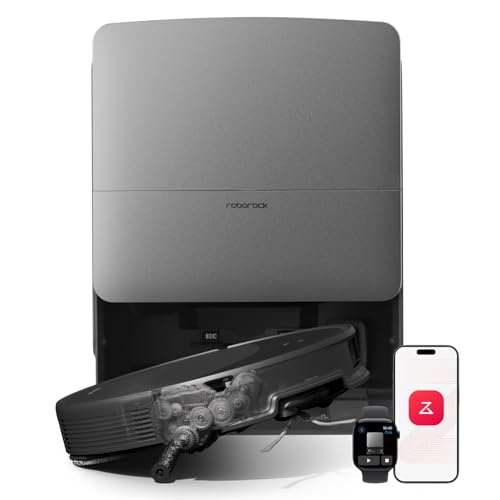
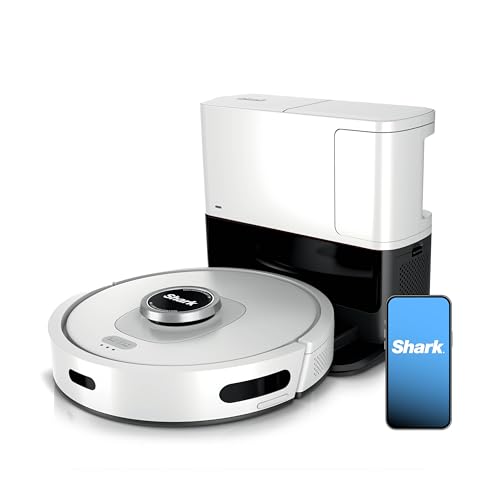
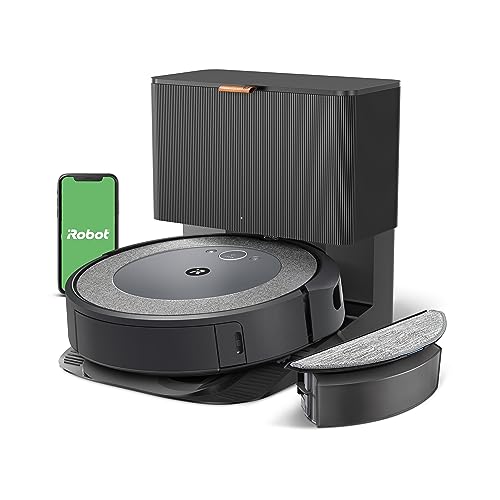
Dock type can be a major quality-of-life factor. A self-emptying base may reduce bin trips, but buyers should also expect maintenance trade-offs such as bag replacement, cleaning needs, or more parts to manage. App routine matters when scheduling, room control, mapping features, or obstacle-related settings are part of the value. If setup, compatibility, or ongoing maintenance is unclear, that can lower a recommendation even when the top-line specs look strong.
- Core shortlist specs: suction, navigation, dock type, and mopping system.
- Useful supporting specs: battery life when home size or longer runs are relevant.
- Common filters readers may use: LiDAR, self-emptying dock, vacuum-mop, pet-hair fit, mop lift, and obstacle detection.
How we read real-world fit
On this page, we look at robot vacuums through practical home scenarios rather than treating every model the same.
- Daily Flat: Is the robot credible for routine cleaning without adding too much setup or maintenance friction?
- Pet Hair Home: Is there explicit evidence that the model fits shedding, not just a generic suction claim?
- Mixed Floor Mop: If it vacuums and mops, does the stated mopping system make sense for that job, and what trade-offs come with it?
- Small Home Budget: Does the product cover the basics clearly, or is the recommendation leaning on features or claims that are not actually supported?
These lenses help explain why two products with similar-looking specs may land in different spots on the page. A model can be a good fit for a small apartment and still be a weaker pick for pet hair or for buyers who want low-touch dock maintenance.
Red flags we watch for
Some weak recommendations come from overreading the evidence. We flag products when a route is assigned without clear support, when a headline feature is treated as proven performance, or when important daily-use details are left vague. That includes setup requirements, app compatibility, dock upkeep, and consumables that affect ownership after the first week.
We are also cautious when a recommendation depends on a measurement or claim that is not actually present in the product evidence. In robot vacuums, unsupported assumptions can easily make a model look better suited to LiDAR mapping, self-emptying, mopping, or pet hair than the listing really shows.
How to use this page
Start with the route that best matches your home. Choose a Robot with LiDAR Mapping when explicit evidence shows that mapping is central to the fit. Choose a Robot with a Self-Empty or Wash Base when lower day-to-day bin handling matters more than extra dock complexity. Choose a Vacuum-and-Mop Robot when the mopping system is clearly part of the product’s value for mixed floors. Choose a Robot for Pet Hair only when pet-focused fit is directly supported.
If two models seem close, compare the practical friction points as much as the headline specs: navigation clarity, dock maintenance, app routine, and whether the product evidence actually supports the use case you care about.
What we review in this category
For robot vacuums we review documented evidence around navigation, cleaning, mopping, dock automation, maintenance, price, and user feedback when the sample is useful.
Navigation and app
Weight 27%. Navigation, maps, obstacle handling, room zones, schedules, and app routines form the automation layer that decides whether the robot actually saves effort in a real home.
See technical evidence we review
Technical measures
- LiDAR/vSLAM/camera navigation, mapping, room routines, editable maps, no-go zones, obstacle detection, app and voice control.
- Multi-floor support, scheduling, and smart-home integration when documented.
Reading context
- Navigation is read as automation quality: mapping, avoidance, room control, and repeatability.
- A single app or mapping claim is weaker than a complete navigation package.
Common cautions
- Generic “smart navigation” wording does not justify a top score.
- High readings need several mapped controls, not only one navigation keyword.
Cleaning performance
Weight 33%. Suction, brush design, carpet boost, pet-hair handling, bin size, and floor transitions decide whether the robot cleans the target home rather than just moving around it.
See technical evidence we review
Technical measures
- Suction Pa when explicit, brush design, anti-tangle system, carpet boost, dustbin size, floor types, and pet-hair evidence.
- Edge cleaning and threshold/floor-transition details when available.
Reading context
- Cleaning is read by household: hard floor, carpet, pets, hair, mixed rooms, and debris routine.
- Suction numbers are interpreted with brush design and maintenance burden.
Common cautions
- Pa alone is not treated as cleaning proof.
- Pet-hair claims need brush, anti-tangle, bin, or maintenance evidence.
Mopping quality
Weight 18%. Mopping is a separate buying decision because a robot can vacuum well and still be weak on hard-floor washing, mop lifting, water control, or mixed-floor use.
See technical evidence we review
Technical measures
- Mopping system, water tank, vibrating/rotating mop, mop lift, carpet avoidance, dock washing/drying, and water handling.
- Mixed-floor behavior and refill/cleaning routine.
Reading context
- Mopping quality is credible when the robot can manage water, carpets, and mop maintenance coherently.
- Vacuum+mop models vary widely between basic wipe pads and active mop systems.
Common cautions
- A mop pad alone does not make a strong mopping robot.
- Mopping that adds manual cleaning without automation is treated cautiously.
Dock and maintenance
Weight 22%. The dock, bin, filters, mop washing, drying, consumables, and hair-tangle handling decide whether automation stays low-effort after the first week.
See technical evidence we review
Technical measures
- Self-emptying, auto-wash, hot-air drying, water refill/drainage, dust bag, filter, bin size, brush access, and consumables.
- Dock footprint and recurring maintenance tasks.
Reading context
- The dock is read as maintenance reduction, not as a premium label by itself.
- A good dock should reduce repeated emptying, mop washing, drying, or refill friction.
Common cautions
- Self-emptying alone does not cover mop maintenance.
- Large docks need space and consumable context to be read properly.
Editorial judgement still leaves room for incomplete documentation, weak claims, or practical friction that a spec table does not fully capture.